
Understand them. Know what to say
Struggling to follow a trade meeting or find the words to reply? YueSay is being developed for translation, reply assistance, recording, meeting notes and presentation prompts. Browser, phone, tablet and watch support is planned. Testing will begin soon; features and device support depend on the test version.
iPhone · iPad · Apple Watch
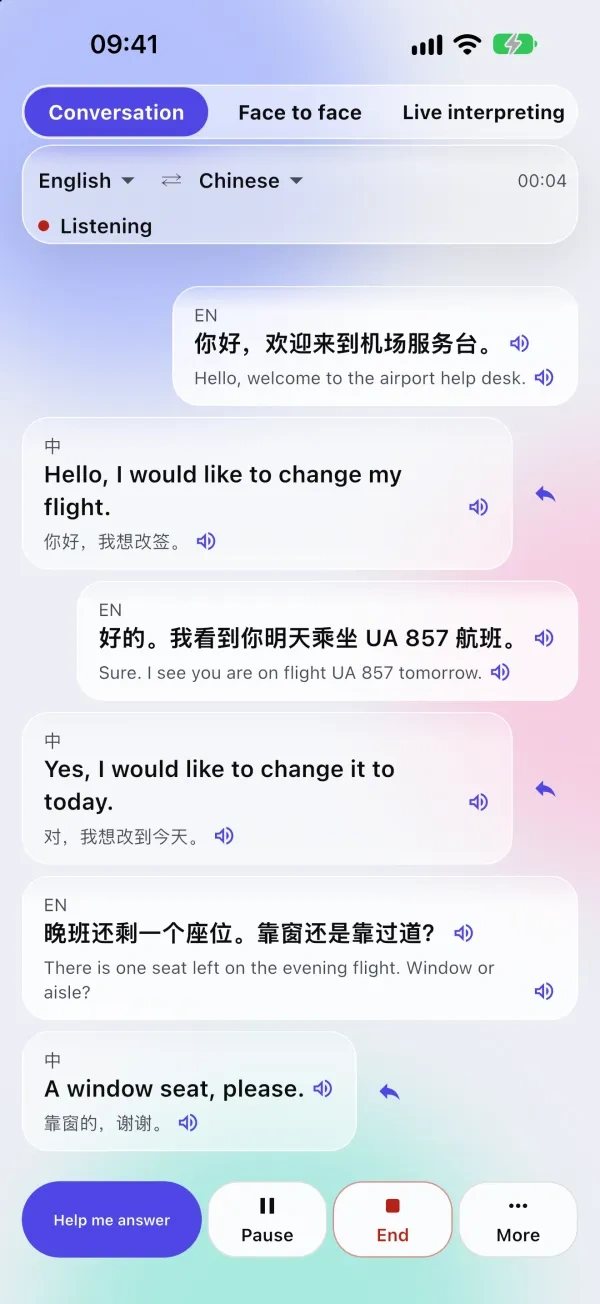
Where it helps
-

-

-

-

-

-

App interface preview
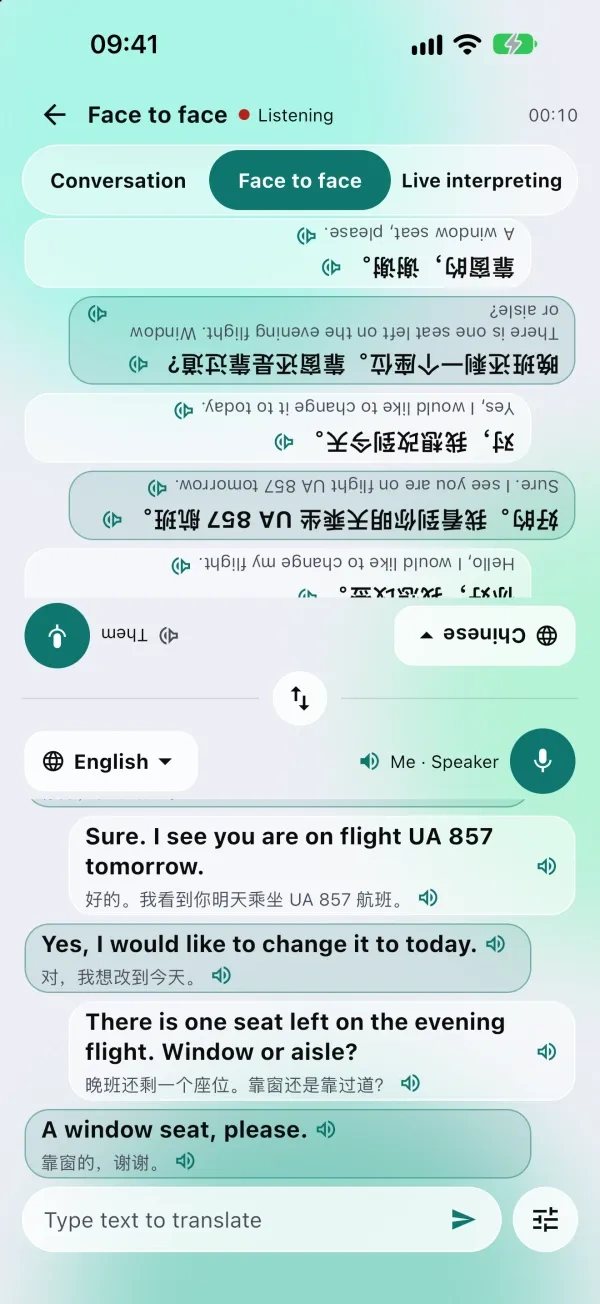
Face to face 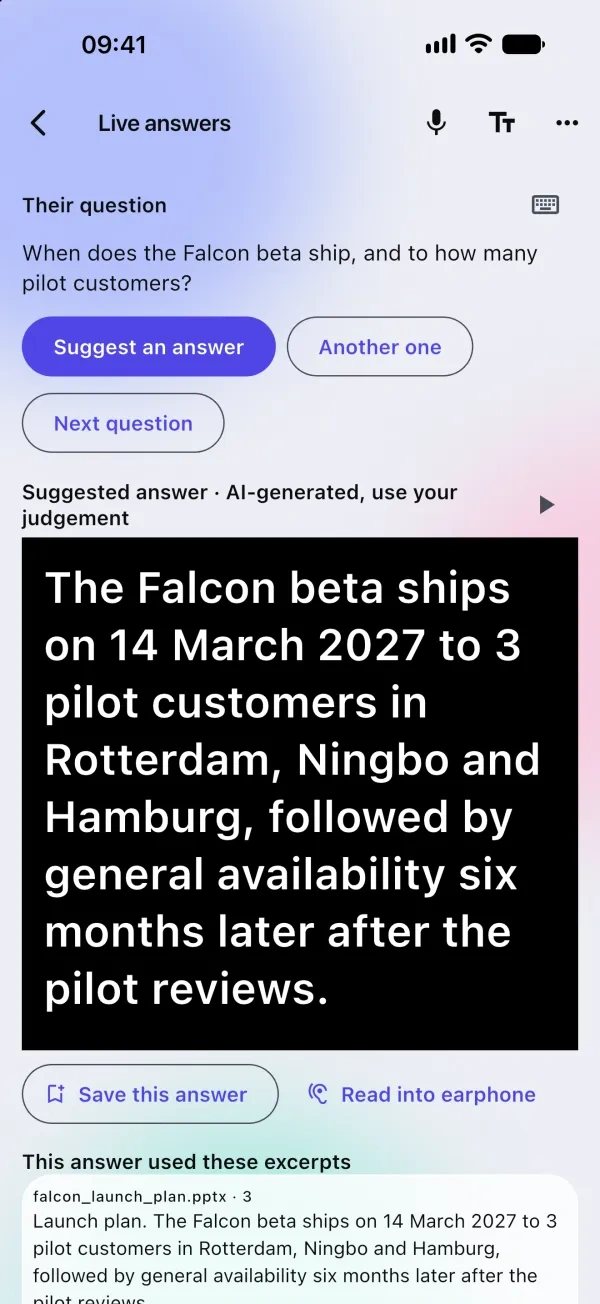
Live answers 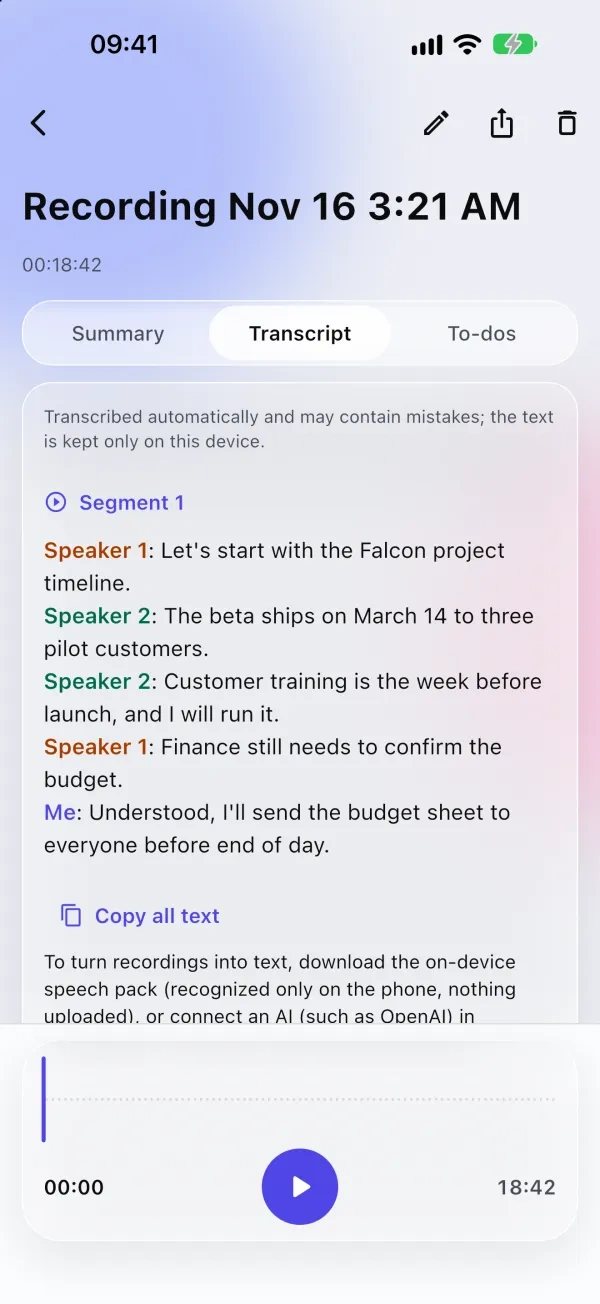
Transcripts 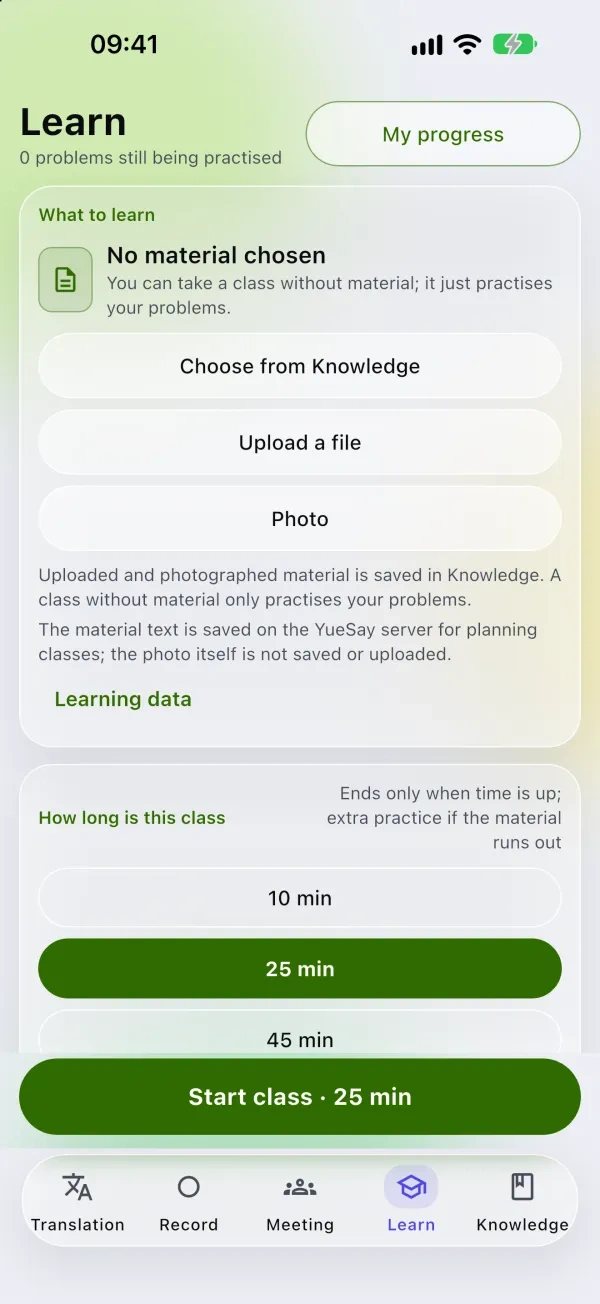
AI speaking class 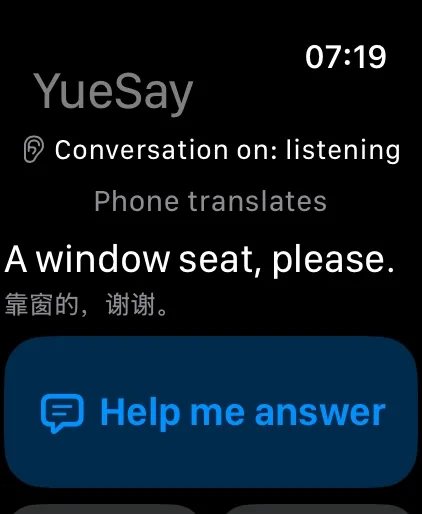
On Apple Watch
Your conversations, your call
-
Kept on your phone
Recordings and transcripts are saved on your device by default.
-
Asked before AI
You confirm before your material is used in an answer.
-
Your own AI account
For example OpenAI. The provider charges for what you use.
Pricing
-
Essential
US$59.99 per user / year
Live translation, suggested replies, recording and prompter, with your own AI key.
-
Pro
US$129.99 per user / year
Everything in Essential, plus meeting material and answers based on it.
-
Enterprise
US$249.99 per user / year
Everything in Pro, plus team management, shared company knowledge, training and exams.
Prices are USD list prices per user per year; the store displays the applicable regional price, currency and taxes.
Eligible new Apple subscribers receive a 7-day free trial; the annual subscription renews automatically unless canceled, as explained on the plans page.
When you use your own AI account, its provider charges for usage.
Get YueSay
Choose your device and get ready for your next conversation.
Frequently asked questions
How can I use or download YueSay?
See the download section for currently available ways to use or download YueSay.
Do I need an internet connection?
Yes. Translation, answers and summaries run through the AI account you connect. Recordings themselves are stored on your device.
Do I need my own AI key?
Yes. YueSay uses your own AI account, for example OpenAI, for translation and answers.
Which languages are supported?
The app is available in Simplified Chinese, English, Japanese, Korean, German, Spanish and French. Which languages it can translate depends on the AI service you connect; the app shows the options.
Where are recordings stored?
Only on your device by default. Content goes to your AI service only when you ask for a transcript or summary, and we ask you first.
How much does it cost?
See the plans and pricing page. Your AI provider charges separately for your own account usage.
Which earphones work?
Earphones with buttons can control the app. On iPhone, AirPods nod and shake also work. Check the in-app notes for specific models.